
Table of contents
- 01What Is an AI SaaS Product?
- 02Why AI SaaS Is Different in 2026
- 03Step 1: Validate a Painful, Repeated Problem
- 04Step 2: Define Your User and Job to Be Done
- 05Step 3: Scope the Smallest Valuable Product
- 06Step 4: Design the Product Experience
- 07Step 5: Design a Multi-Tenant Architecture
- 08Step 6: Build the Data Layer and Permissions
- 09Step 7: Build the AI Layer Properly
- 10Step 8: Measure AI Quality with Evaluations
- 11Step 9: Control AI Cost and Latency
- 12Step 10: Choose a Pricing and Billing Model
- 13Step 11: Security, Compliance and Trust
- 14Step 12: Test, Monitor and Harden
- 15Step 13: Launch in Controlled Stages
- 16Step 14: Grow with Retention, Not Just Signups
- 17A 12-Week AI SaaS Build Roadmap
- 18What Does It Cost to Build an AI SaaS Product?
- 19Common AI SaaS Mistakes to Avoid
- 20Build an AI SaaS People Keep Paying For
- 21Frequently Asked Questions
- 22References
Building an AI SaaS product in 2026 is no longer about proving that AI works. Models are good, APIs are mature, and a convincing demo can be assembled in an afternoon.
The hard part is turning that capability into a product businesses trust with real data, real workflows, and a recurring payment.
A successful AI SaaS product needs a validated problem, a multi-tenant architecture, controlled data access, reliable AI output, predictable cost, sensible pricing, security, monitoring, and an onboarding experience that gets a new customer to value within minutes.
This guide walks through the complete process, in the order I actually build these products: validation, scope, design, architecture, the AI layer, evaluation, pricing, security, launch and growth.
What Is an AI SaaS Product?
An AI SaaS product is a subscription software platform where artificial intelligence performs a meaningful share of the work the customer is paying for.
It is not a chatbot bolted onto a marketing site, and it is not a single prompt behind a form. It is a multi-tenant application with accounts, workspaces, permissions, billing, analytics and support — where one or more workflows are powered by models instead of manual effort.
- A recruitment platform that screens applications and drafts structured candidate summaries
- A finance tool that extracts and reconciles data from uploaded invoices
- A support platform that drafts replies grounded in a company's own knowledge base
- An operations product that monitors data, spots exceptions and triggers approved actions
In every case the AI is a component inside a complete product, not the product itself. Customers renew because the workflow is reliable, not because the technology is impressive.
Why AI SaaS Is Different in 2026
Three shifts changed how these products should be built.
Model capability is no longer the moat
Everyone can access strong models. Your advantage comes from workflow depth, proprietary data access, integrations, reliability and user experience — the parts competitors cannot copy in a weekend.
Buyers ask harder questions
Procurement now asks where data is stored, which model processes it, whether it is used for training, how outputs are audited, and what happens when the AI is wrong. These answers belong in the architecture, not in the sales call.
Inference is a recurring cost of goods
Unlike traditional SaaS, your marginal cost per active user is real and variable. Cost per workflow has to be a product metric from week one, or growth quietly destroys margin.
Step 1: Validate a Painful, Repeated Problem

The best AI SaaS opportunities look boring from the outside: a repeated, time-consuming, rules-heavy task that a team currently performs by hand.
Qualify the problem against four tests:
- 1Frequency — does it happen daily or weekly, not once a quarter?
- 2Cost — is real salaried time or lost revenue attached to it today?
- 3Tolerance — can a human review the output, so an occasional error is recoverable?
- 4Data — does the information needed already exist in a system you can access?
Talk to eight to twelve people who live inside the workflow. Ask them to walk you through the last time they did it, step by step, including the parts they hate. You are listening for the exact moment where time is lost — that moment becomes your product's core screen.
Step 2: Define Your User and Job to Be Done
AI SaaS products fail more often from vague positioning than from weak technology. Be specific about who the product is for and what success means for them.
- Primary user — the person who opens the product every day
- Buyer — the person who approves the subscription (often not the same person)
- Job to be done — the outcome they need, expressed in their words
- Success metric — time saved, throughput increased, errors reduced, revenue recovered
Write one sentence: “This product helps [user] complete [workflow] in [time], instead of [current painful process].” If that sentence is hard to write, the product is not scoped yet.
Step 3: Scope the Smallest Valuable Product
An AI SaaS MVP is not a smaller version of the full vision. It is the shortest path from signup to a result the customer would miss if it disappeared.
What belongs in the first release
- Authentication and a tenant workspace
- One core AI workflow, end to end
- Input handling — upload, connect, paste or sync
- Result review, editing and export
- Usage metering and basic billing
- A dashboard showing activity and outcomes
What can wait
- Multiple AI workflows
- Deep third-party integrations beyond the first one
- Advanced roles and granular permissions
- White-labeling, public API and mobile apps
- Custom model fine-tuning
Step 4: Design the Product Experience

AI products carry a design burden ordinary software does not: the user must understand what the system did, how confident it is, and how to correct it.
Design the states, not just the screens
- Empty state — what to do first, with a sample or template
- Processing state — streaming or progressive output, never a silent spinner
- Result state — output plus sources, reasoning summary or evidence
- Low-confidence state — flag it and invite review instead of hiding it
- Error state — explain what failed and offer a retry that costs the user nothing
- History — every past run, reviewable and re-runnable
Onboarding decides retention
Aim for first value within five minutes of signup: prefilled sample data, one guided run of the core workflow, and a visible result. Products that require configuration before value churn during the trial, no matter how strong the AI is.
Step 5: Design a Multi-Tenant Architecture

Multi-tenancy is the structural decision that is hardest to change later. Get it right before the first paying customer.
The layered shape
- 1Client application — UI, state, streaming output rendering
- 2Server layer — authentication, authorization, validation, rate limits
- 3Domain services — workflow orchestration and business rules
- 4AI layer — prompting, retrieval, tool calls, structured output parsing
- 5Data layer — tenant-scoped tables, storage, audit logs
- 6Integrations — CRMs, storage providers, billing, email and webhooks
Isolation strategy
For most products, a shared database with a tenant identifier on every row plus row-level security is the right balance of cost and safety. Reserve database-per-tenant for enterprise or regulated deployments where the isolation requirement is contractual.
Whichever model you choose, the tenant identifier must be derived from the verified session on the server. A tenant ID that arrives from the browser is not an identity — it is a suggestion.
Step 6: Build the Data Layer and Permissions
Before writing feature code, model these entities:
- Tenants / organizations
- Users and their membership in a tenant
- Roles and permissions, stored separately from user profiles
- Workflow runs, with inputs, outputs, status and cost
- Documents or records the AI is allowed to read
- Usage events for billing and quotas
- Audit logs for sensitive actions
Store roles in a dedicated table and check them server-side. Role information kept on a user profile — or worse, in browser storage — is the most common privilege escalation path in early SaaS products.
Record every AI run as a first-class row. It becomes your evaluation dataset, your billing evidence, your debugging trail and your customer-facing history, all at once.
Step 7: Build the AI Layer Properly

The difference between a demo and a product lives almost entirely in this layer.
Use structured outputs
Ask the model for JSON that matches a schema, validate it server-side, and reject or repair anything that fails. Free-form text output that your code parses with regular expressions will break in production within days.
Ground answers in your own data
Retrieval matters more than prompt cleverness. Index only the records the current tenant is permitted to see, retrieve a small, relevant set, and pass it explicitly. Never let the retrieval layer cross a tenant boundary.
Route models by task
- Small, fast models for classification, extraction, routing and short summaries
- Larger reasoning models for multi-step analysis and complex generation
- A deterministic fallback path when the model is unavailable or the output fails validation
Keep prompts in version control
Prompts are product logic. Version them, review changes, and be able to answer “what changed the day quality dropped?” Prompts edited live in a dashboard with no history are untraceable bugs waiting to happen.
Step 8: Measure AI Quality with Evaluations
You cannot improve what you do not measure, and manual spot-checking does not scale past the first week.
- 1Collect 50–200 realistic inputs from actual usage, covering normal and messy cases
- 2Define what a correct output looks like for each — exact match, required fields, or a rubric
- 3Run the evaluation on every prompt, model or retrieval change
- 4Track pass rate, human correction rate, latency and cost per run over time
- 5Add every real production failure back into the dataset
Step 9: Control AI Cost and Latency
Cost per workflow determines whether your pricing works. Instrument it before you scale, not after.
- Log tokens and cost on every run, attributed to a tenant
- Cache deterministic and repeated results
- Trim context aggressively — most prompts send far more than the model needs
- Batch background work instead of running everything interactively
- Stream responses so perceived speed improves even when total time does not
- Apply per-plan quotas and clear in-app usage reporting
Set an internal target: gross margin per active account after inference. If a plan cannot hold that target under heavy use, the plan is wrong — not the customer.
Step 10: Choose a Pricing and Billing Model
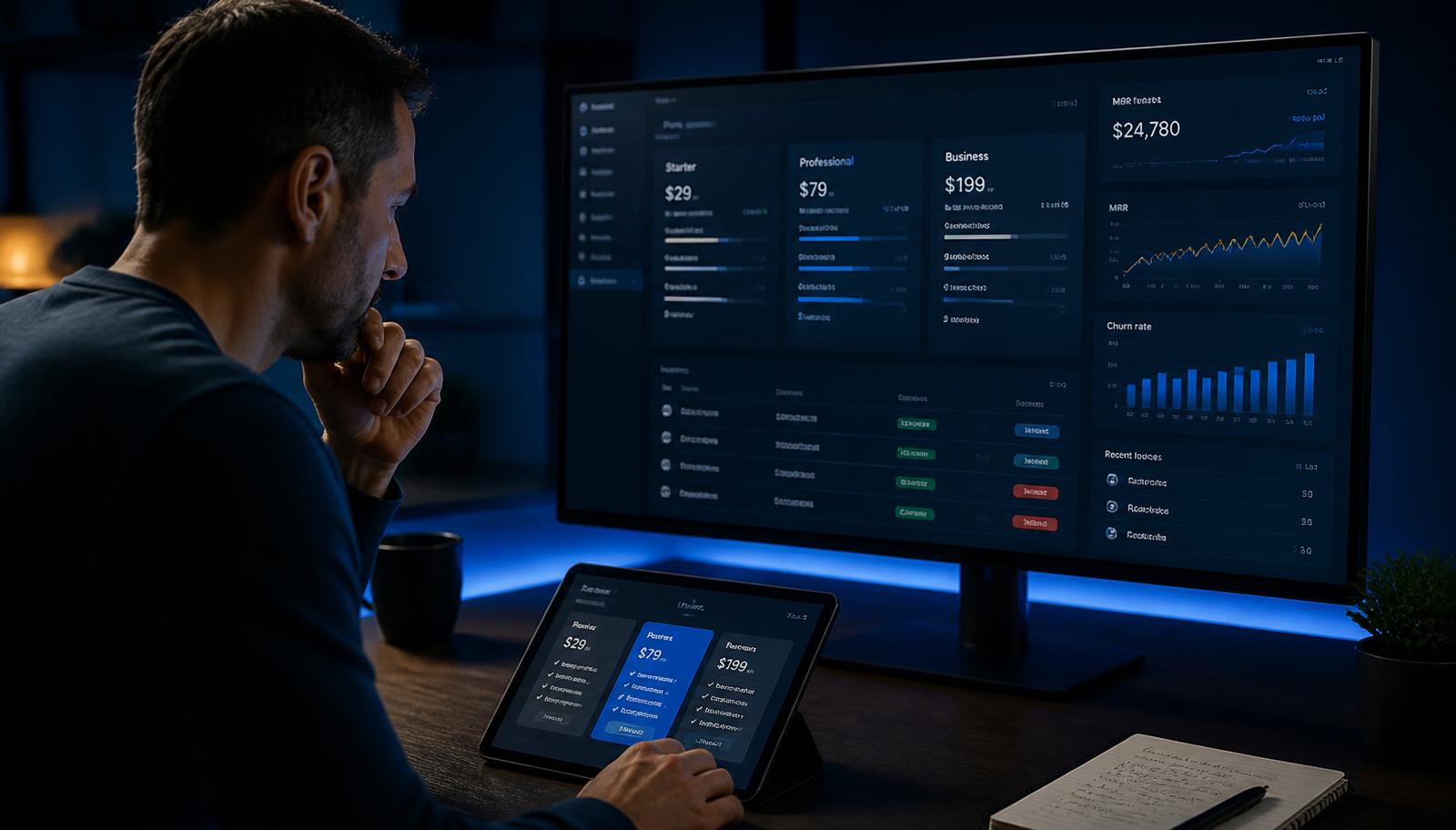
Flat subscription
Best for: Predictable, low-variance AI usage
Watch out: Heavy users can erode margin
Seat-based
Best for: Team collaboration products
Watch out: Weak link between price and AI value
Usage / credits
Best for: Generation-heavy or agent workflows
Watch out: Harder to forecast for the buyer
Hybrid (recommended)
Best for: Most AI SaaS products
Watch out: Requires clear usage reporting in-app
Whatever you choose, show usage inside the product. Customers accept usage-based pricing when they can see what they consumed and predict next month's bill; they churn when the invoice is a surprise.
Build billing as part of the MVP, not as a later phase. Plans, quotas, upgrades, failed payments and cancellations all touch the permission model, and retrofitting them is expensive.
Step 11: Security, Compliance and Trust

Treat these as build requirements, not launch-day paperwork:
- Server-side authorization on every request, with least-privilege defaults
- Row-level security so a query cannot cross tenants even if application code is wrong
- Validated, allow-listed tool and integration inputs
- Prompt-injection defenses — untrusted document text must never be treated as instructions
- Encryption in transit and at rest, with secrets held server-side only
- Audit logs for data access, exports, role changes and destructive actions
- A clear, written data policy: what is stored, where, for how long, and whether it trains models
Publish that data policy on your site. In 2026 it is a sales asset, and the first thing a serious buyer's security reviewer looks for.
Step 12: Test, Monitor and Harden
Test the AI product the way an adversary and a careless user would both use it:
- Permission tests — can a user of tenant A ever read tenant B data?
- Prompt-injection tests using hostile document and message content
- Malformed input, oversized files, unsupported formats and empty data
- Model timeouts, rate limits and provider outages
- Concurrency — many runs from the same tenant at once
- Billing edge cases — quota exhaustion, downgrades, failed charges
In production, monitor error rates, run latency, output validation failures, cost per run, and the human correction rate. Alert on quality regressions the same way you alert on downtime — a silently worse model is an outage your users feel.
Step 13: Launch in Controlled Stages

- 1Internal use — run the workflow yourself on real data for a week
- 2Private beta — 5 to 15 design partners with direct feedback channels
- 3Paid beta — introduce pricing early to test willingness to pay, not just interest
- 4Public launch — only after activation and retention hold in the paid cohort
Track from the first beta account onward:
- Activation rate — percentage completing the core workflow in week one
- Time to first value
- Weekly active workspaces, not just registered users
- Human correction rate per workflow
- Cost per active account
- Trial-to-paid conversion and week-four retention
Step 14: Grow with Retention, Not Just Signups
AI SaaS acquisition is often easy and retention is often brutal. Curiosity drives the first signup; reliability drives the twelfth month.
- Fix activation before spending on ads — a leaking funnel scales the leak
- Publish substantial content on the exact workflow you automate
- Build one expansion path: more seats, more volume, or an adjacent workflow
- Interview churned accounts; most cite trust or workflow fit, not price
- Ship visible quality improvements and tell customers about them
If you are considering agent-style automation as your next workflow, the complete AI agent app development guide covers architecture, tools, approvals and evaluation in depth.
A 12-Week AI SaaS Build Roadmap
Customer interviews, workflow mapping, success metrics, AI feasibility check, MVP scope and technical plan.
Core screens, design system, multi-tenant data model, permission matrix, integration list and AI pipeline design.
Authentication, tenant workspaces, the core AI workflow, structured outputs, dashboard, billing and usage metering.
Evaluation dataset, quality scoring, permission and prompt-injection testing, error handling, monitoring and cost tuning.
Private beta with real customers, onboarding refinement, activation tracking, pricing validation and the first growth loop.
This assumes one core workflow, one integration and a focused feature set. Every extra workflow, role or integration adds time in design, testing and support — not just in development.
What Does It Cost to Build an AI SaaS Product?
Cost is driven by scope, not by the word “AI”. The main variables are:
- Number of distinct AI workflows
- Number and depth of third-party integrations
- User roles, permissions and admin tooling
- Design depth and the number of unique screens
- Data volume, migration and retrieval complexity
- Security and compliance requirements
- Ongoing model inference, hosting and monitoring
Budget in two buckets: a one-time build cost, and a monthly operating cost that scales with usage. Founders who plan only for the first bucket are surprised in month three.
Common AI SaaS Mistakes to Avoid
- Building five workflows before one is reliable
- Treating the model as the product instead of the workflow
- Skipping evaluation and relying on impressions of quality
- Enforcing tenant isolation in application code instead of the database
- Ignoring cost per workflow until the invoice arrives
- Shipping AI output with no source, confidence signal or edit path
- Delaying billing and quotas to a later phase
- Launching publicly before activation and retention are proven
Build an AI SaaS People Keep Paying For
The AI SaaS products that survive 2026 are not the most autonomous or the most impressive. They are the ones that complete a valuable workflow reliably, safely and cheaply enough to be profitable.
Start with one painful workflow. Scope the smallest product that finishes it. Build tenant isolation and permissions correctly. Make AI output verifiable. Measure quality and cost from day one. Price for your margin. Launch to a small group and expand only once the numbers hold.
At AI Application Developer, I build complete AI SaaS platforms, AI web applications, mobile apps, business automation systems and admin dashboards — from discovery and product design through development, testing, deployment and optimization.
Planning an AI SaaS Product?
Get a clear technical roadmap, a realistic MVP scope, and a scalable multi-tenant foundation built for real customers — not just a demo.
Frequently Asked Questions
What is an AI SaaS product?
An AI SaaS product is a subscription-based software application in which artificial intelligence performs a meaningful part of the work — generating, extracting, classifying, summarizing, deciding or automating — inside a multi-tenant platform with accounts, permissions, billing and analytics.
How long does it take to build an AI SaaS product?
A focused MVP with one core AI workflow, authentication, multi-tenant data, billing and a usable dashboard is typically achievable in roughly 8 to 14 weeks. Complex integrations, compliance requirements, multiple user roles and heavy data migration extend that timeline.
How much does it cost to build an AI SaaS product in 2026?
Cost depends on scope rather than on AI alone. The main drivers are number of workflows, integrations, user roles, design depth, security and compliance requirements, data volume, and ongoing model usage. A narrow MVP costs far less than a multi-workflow platform, and model inference becomes a recurring operating cost rather than a one-time build cost.
Do I need to train my own AI model?
Usually not. Most successful AI SaaS products use existing foundation models with good prompting, retrieval over your own data, structured outputs and evaluation. Custom training or fine-tuning is worth considering only when you have proprietary data and a repeatable task where general models measurably underperform.
What is the best pricing model for an AI SaaS product?
Hybrid pricing works best for most AI products: a subscription tier for access and predictability, plus usage credits for AI-heavy actions. This protects your margin when inference costs scale with usage, while keeping the entry price simple for new customers.
How do I keep an AI SaaS product secure and multi-tenant safe?
Enforce tenant isolation in the database with row-level security, authorize every request server-side, never trust client-supplied tenant identifiers, restrict what data reaches the model, log sensitive actions, and test permissions the same way you test features.
How do I stop AI costs from destroying my margins?
Route simple tasks to smaller models, cache repeated results, limit context size, stream responses to improve perceived speed, meter usage per tenant, and set plan-level limits. Track cost per workflow as a first-class product metric from the first week.
Can I add AI features to an existing SaaS product?
Yes. Adding AI to an existing SaaS is often faster and lower risk than building a new one, because the accounts, data model, permissions and billing already exist. The work concentrates on the AI layer, evaluation, cost controls and the user experience around AI output.

Hanif Ullah
AI Application Developer
6+ years of development experience building AI web applications, mobile apps, SaaS products, business automations, admin dashboards and complete digital products — from discovery and design through development, deployment and optimization.
View profile